Description
Movies & Series
| | AFRICA PACKAGE |
AMERICA PACKAGE |
|---|---|---|
| FIT FOR | AFRICA (South Africa, Kenya, Nigeria etc) | AMERICA (USA, Canada, UK) |
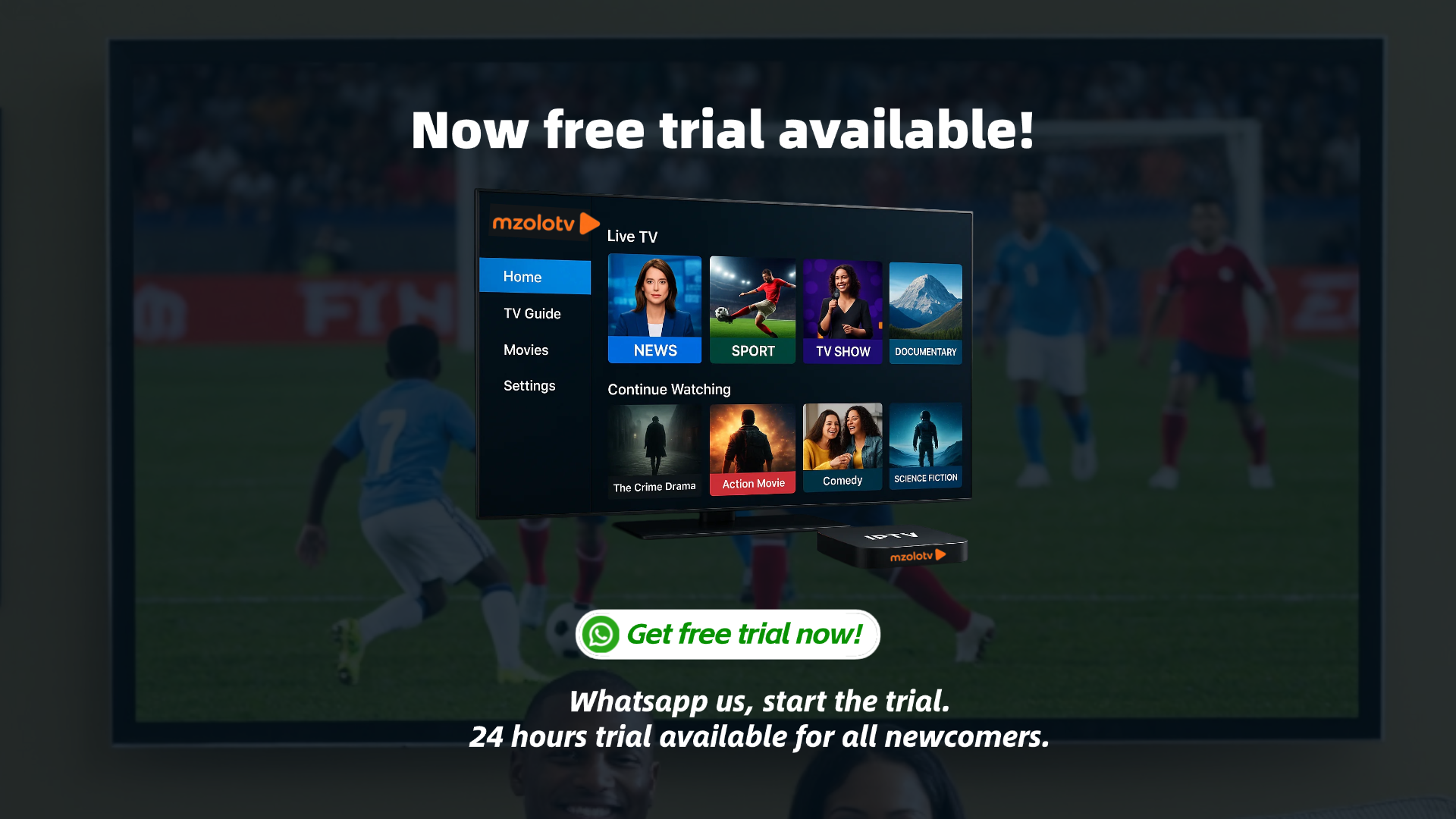
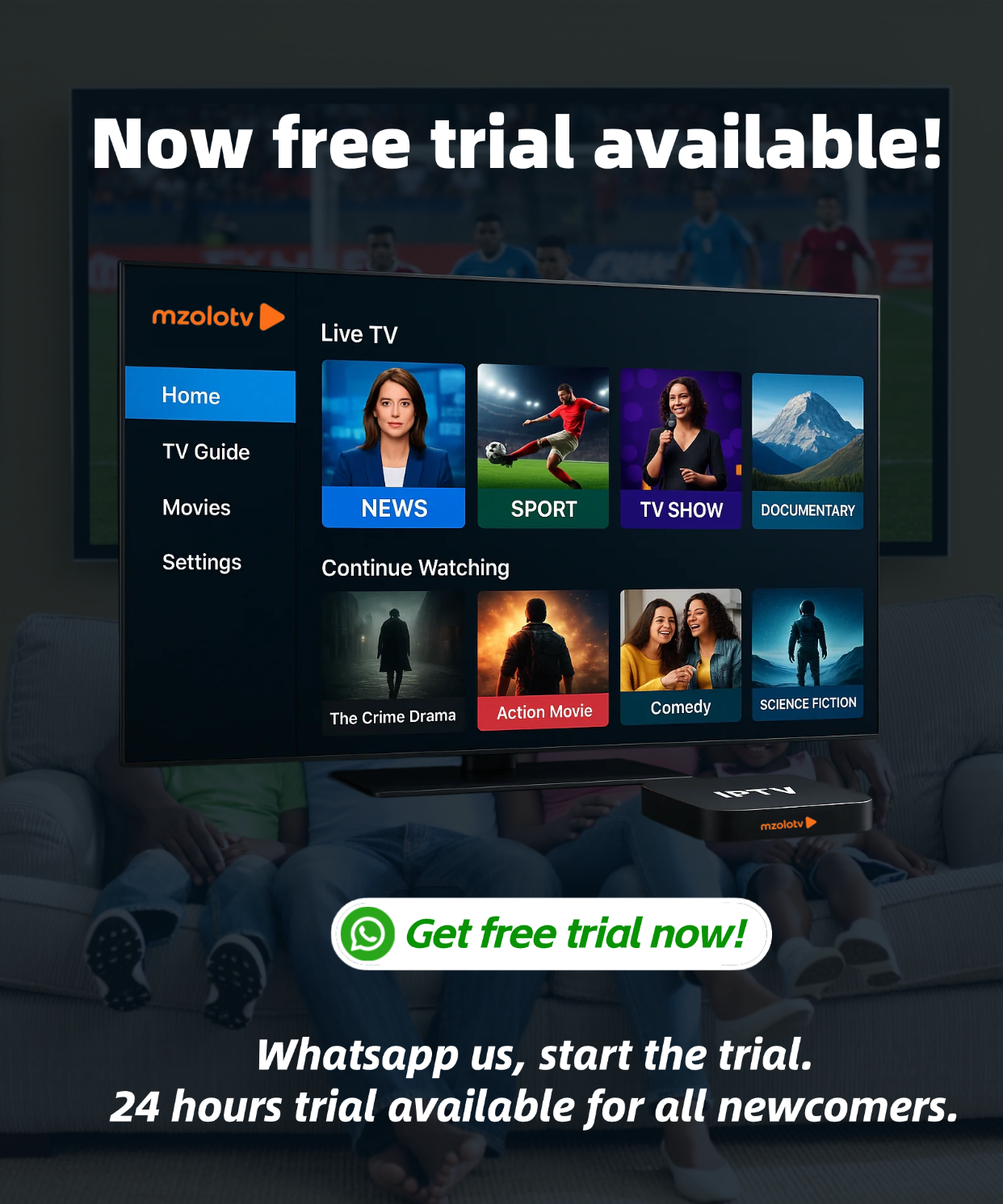
| FREE TRIAL | 24 hours free trial Click to start trial | |
| LIVE CHANNEL | 3,000 + | 19,000 + |
| FEATURED LIVE CHANNEL | DSTV (better connection) C+ Africa TV Astro sports African radio | ESPN BEIN PARAMOUNT+ SKY sports OnePlay Hulu Apple TV + Netflix Series Netflix Movies HBO Max Peacock Samsung TV Plus Afrique TV Amazon Prime Disney + DSTV |
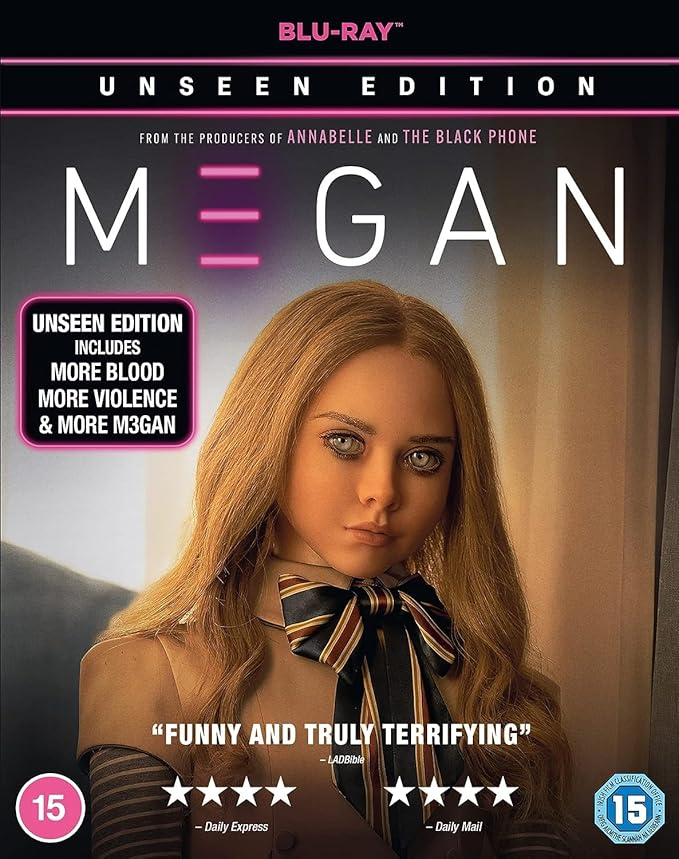
| MOVIES | 75,000 + | 30,000 + |
| SERIES | 4,000 + | 8,000 + |
| SWITCH PLAYLIST | Switch two sources (playlist) within the app, See below tutorial video | |
| Orginal Price | 270 ZAR per month | 255 ZAR per month |
| AFTER DISCOUNT (30% off) | 189 ZAR per month | 178 ZAR per month |
| AFTER BUNDLED (AFRICA + AMERICA) | 216 Zar per month | |
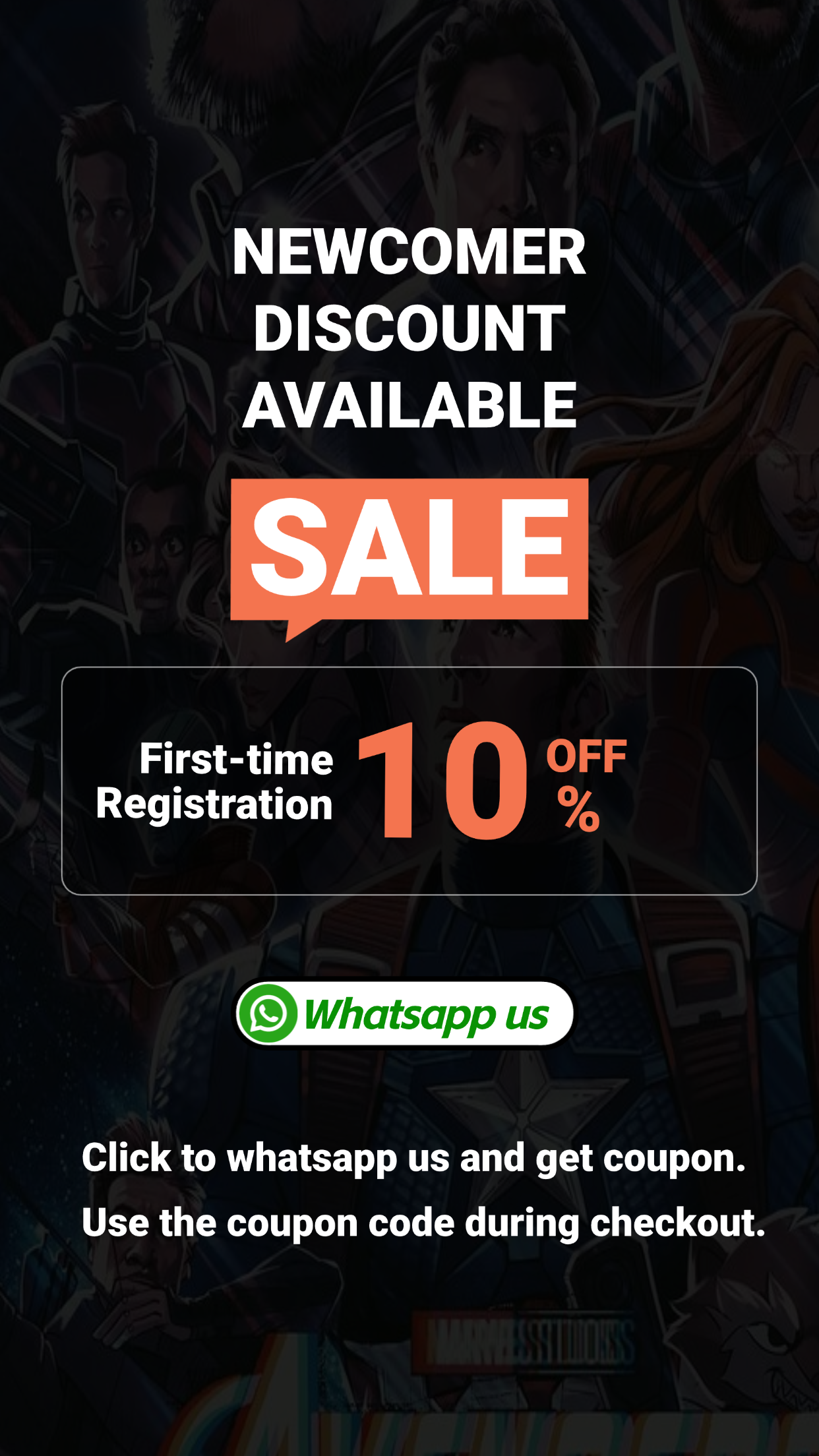
How to get a coupon?
Simply send 'Hi' to our whatsapp, you will receive coupon code automatically, use them during checkout.
How it works?
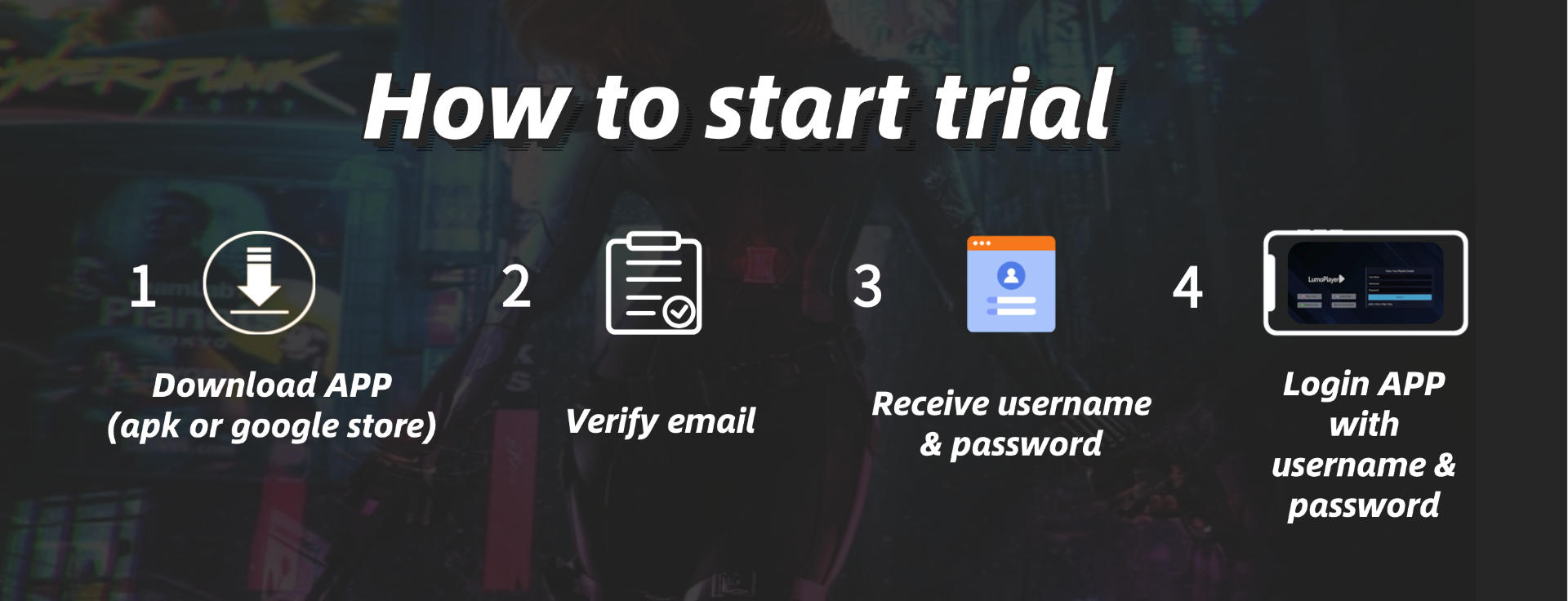
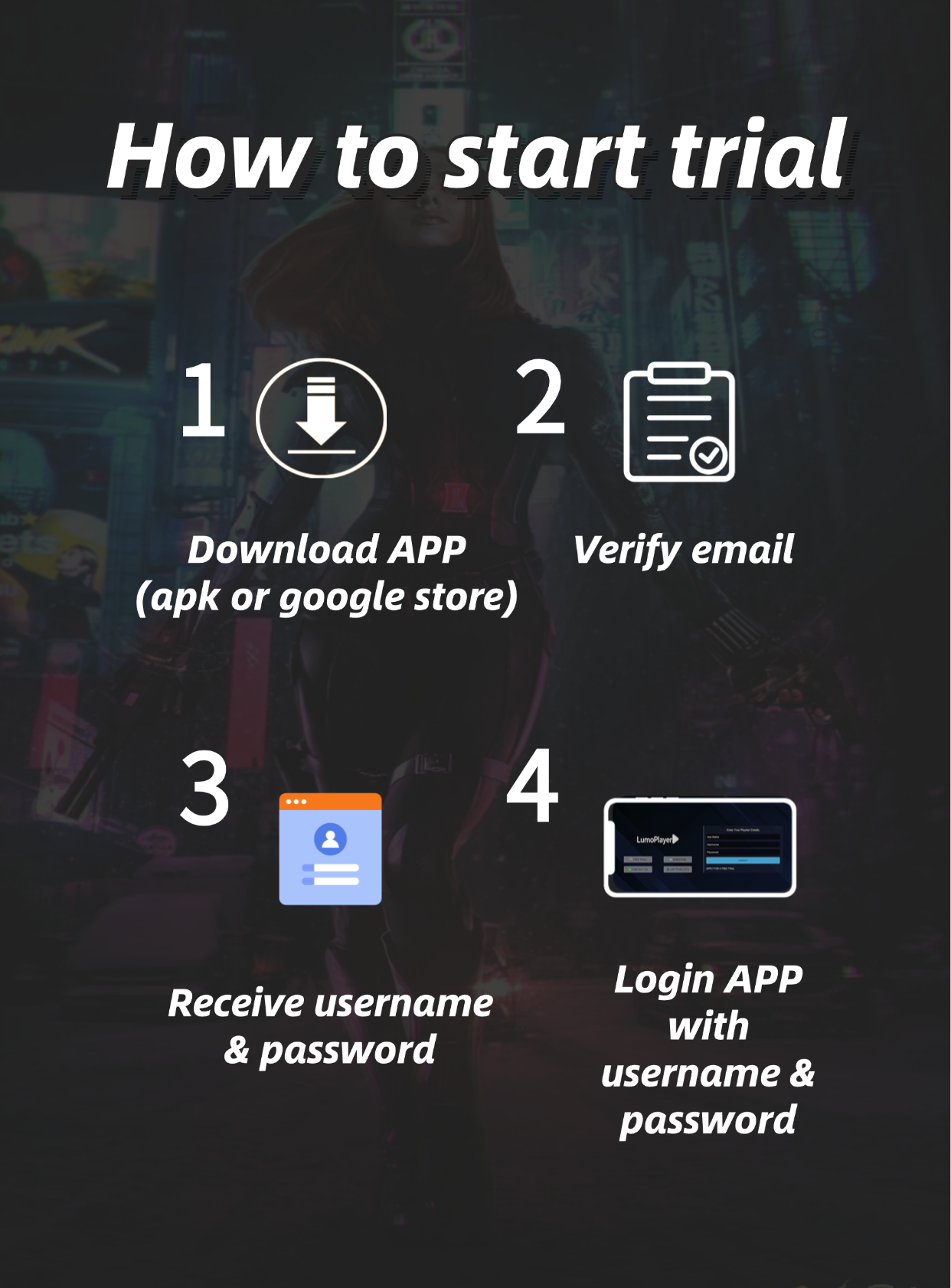
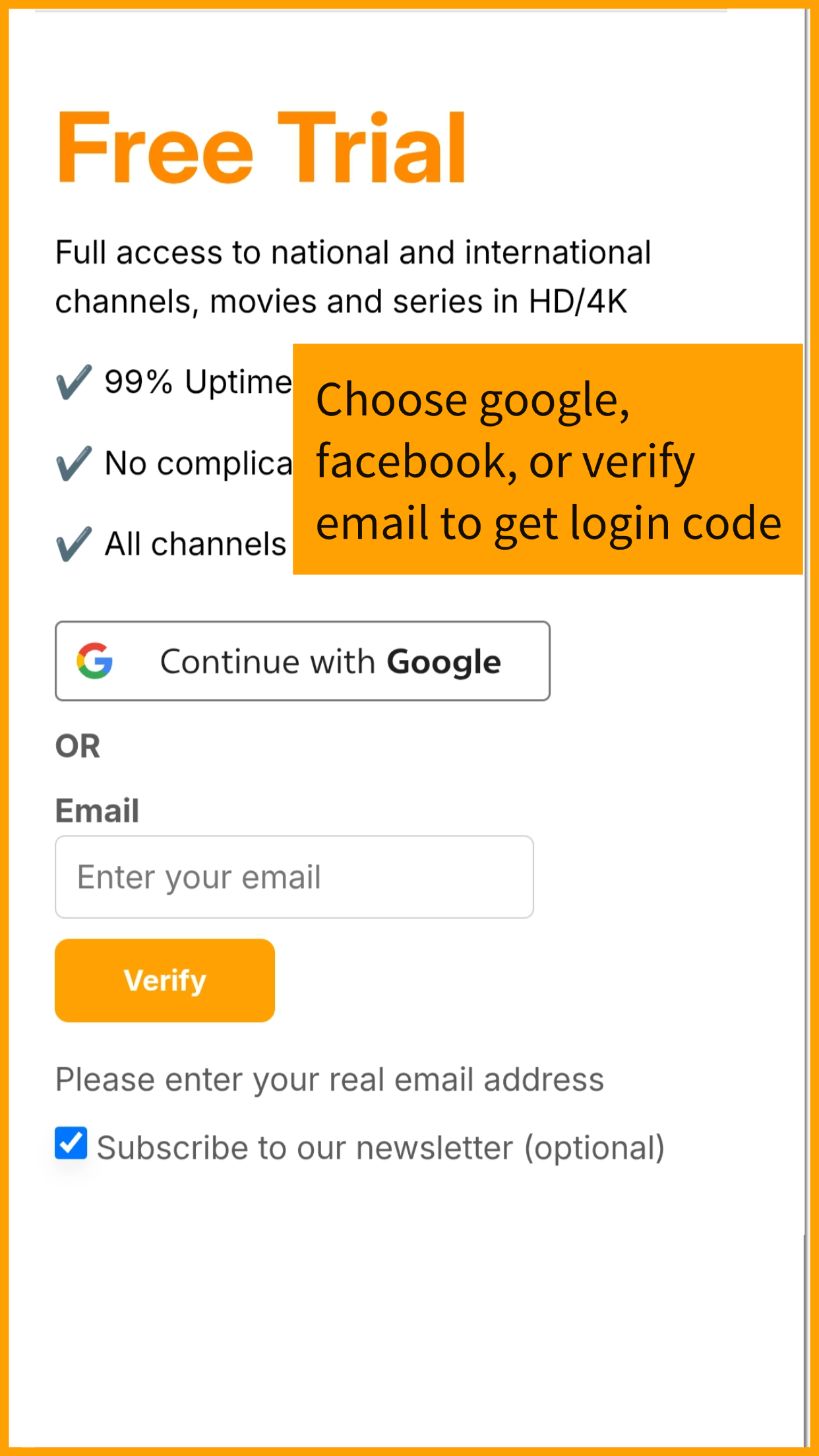
1. Log in with Facebook, Google, or your email.
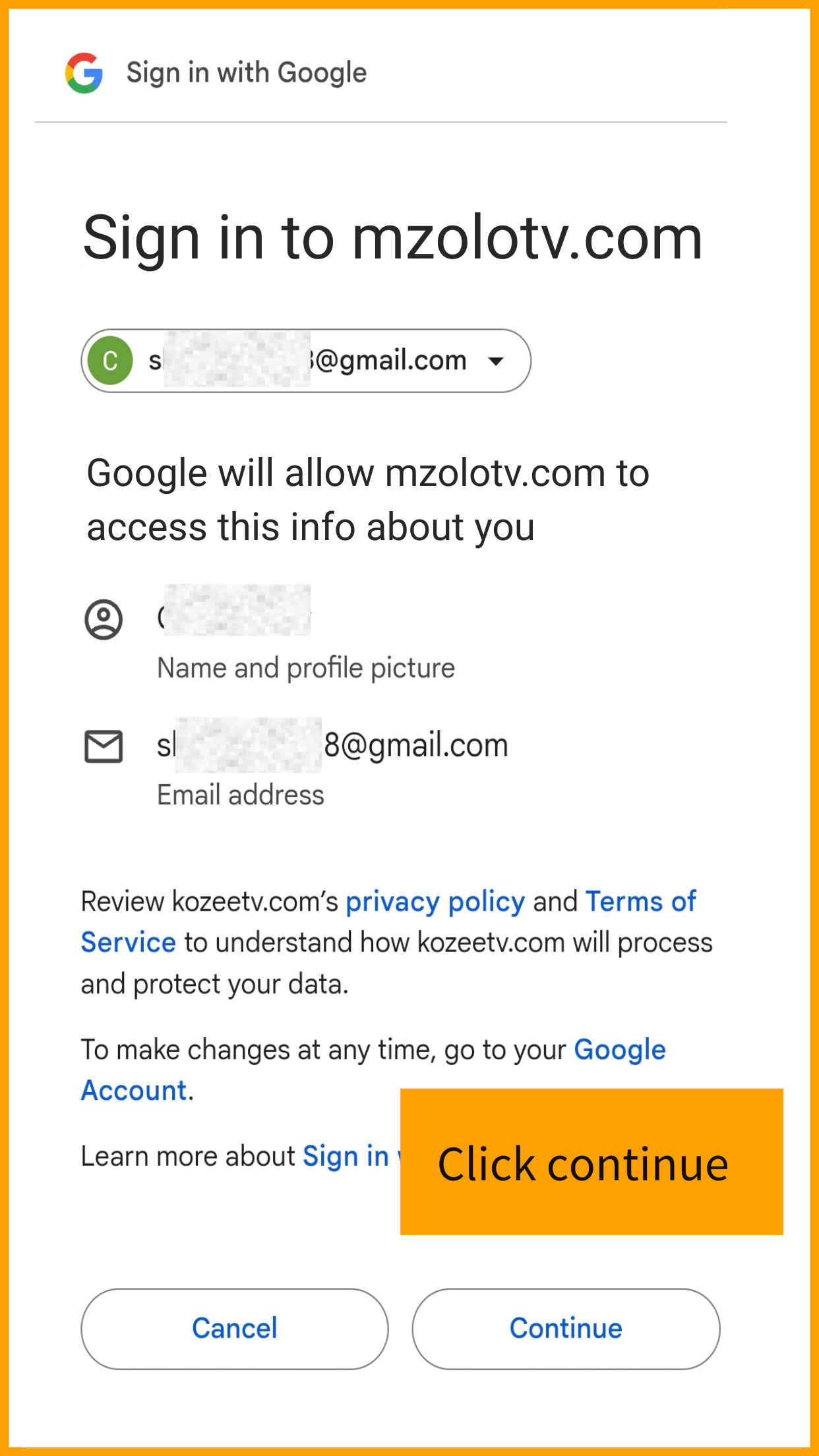
2. Continue authorization.
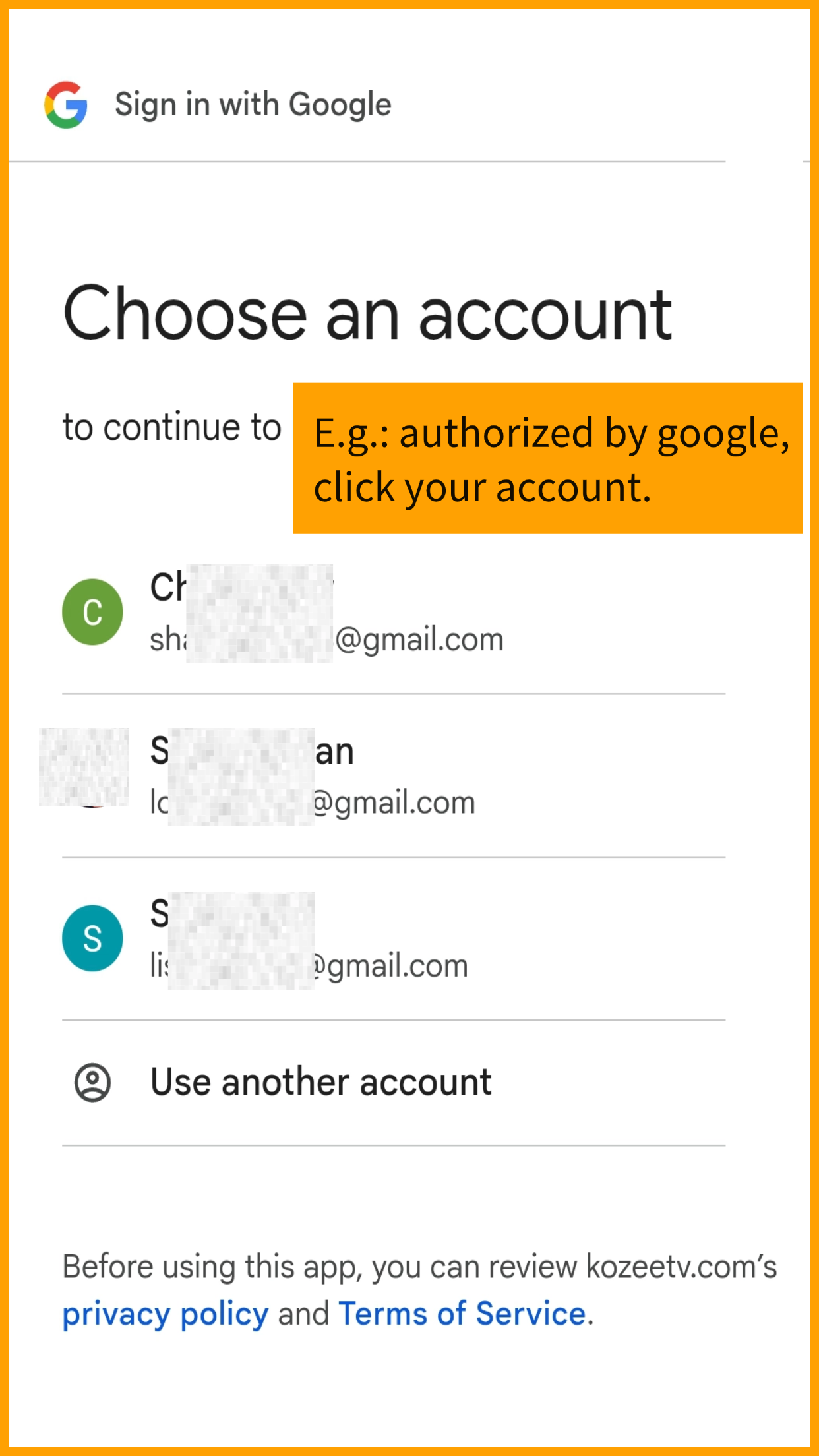
3. Choose your account.
4. Wait seconds for login details to generate.
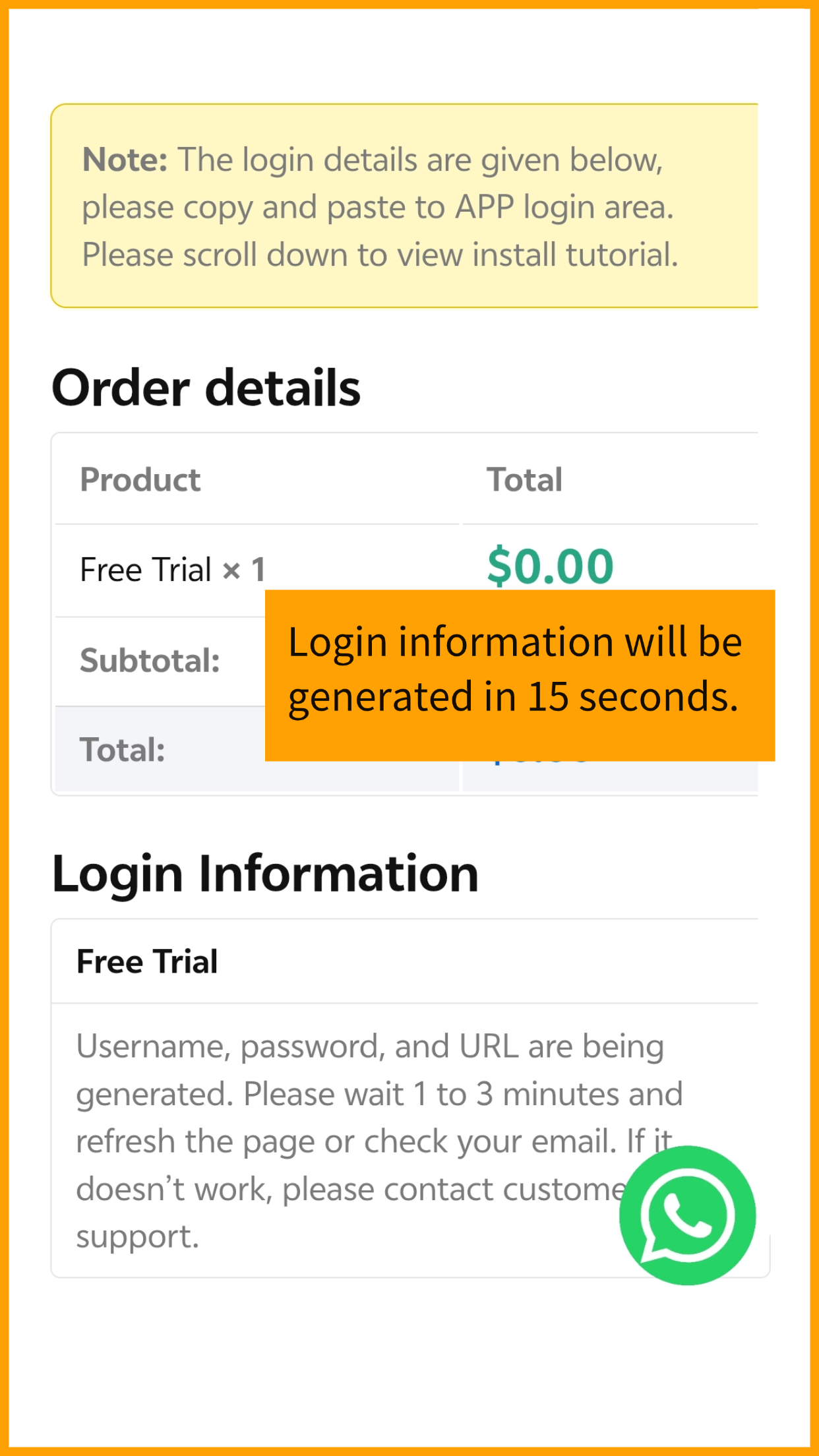
5. Use generated username and password, prepare to log in App.

6. Click on your device and see tutorials how to download and install App.
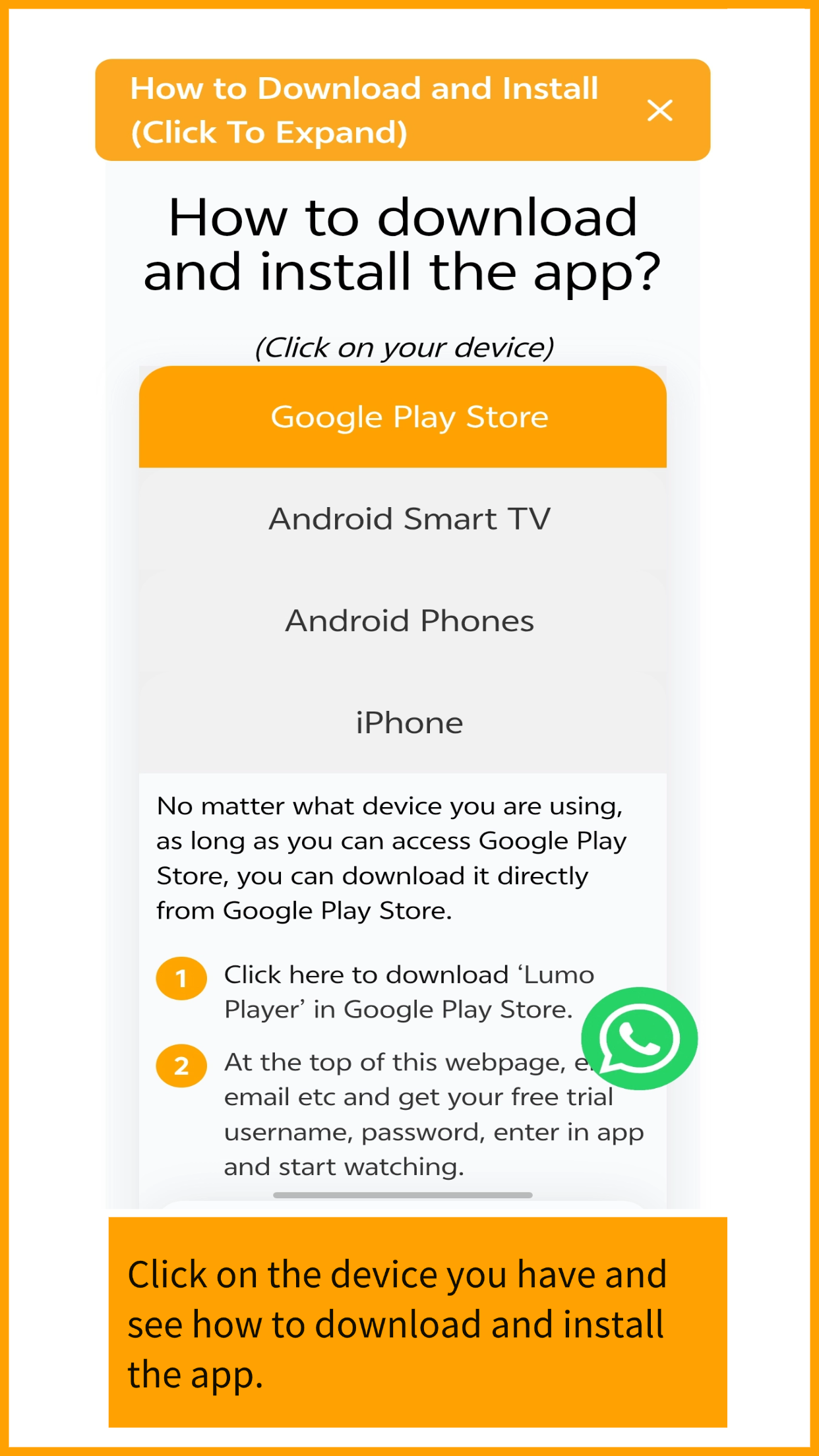
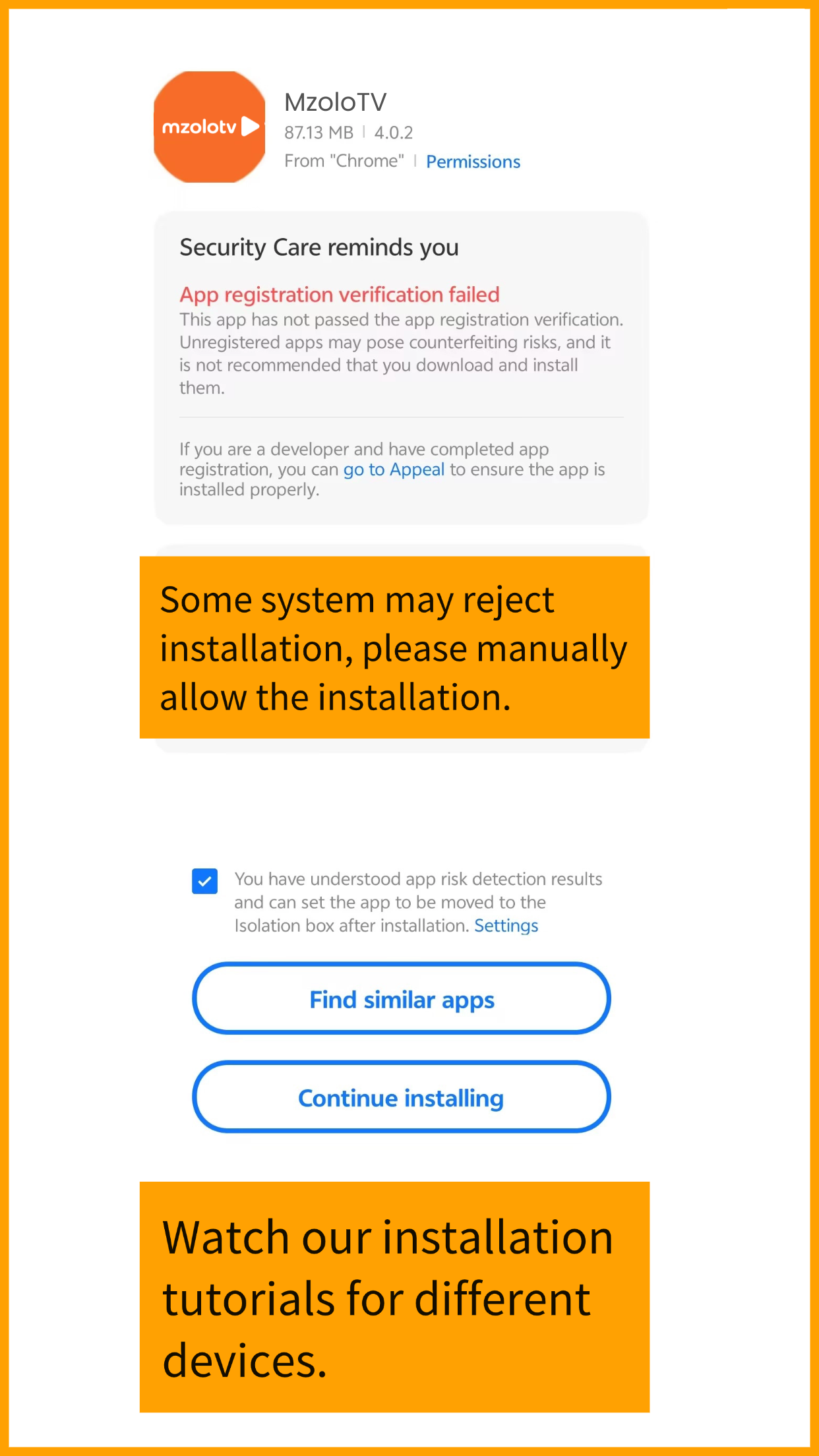
7. Please allow the app to install, you can install this app with confidence.
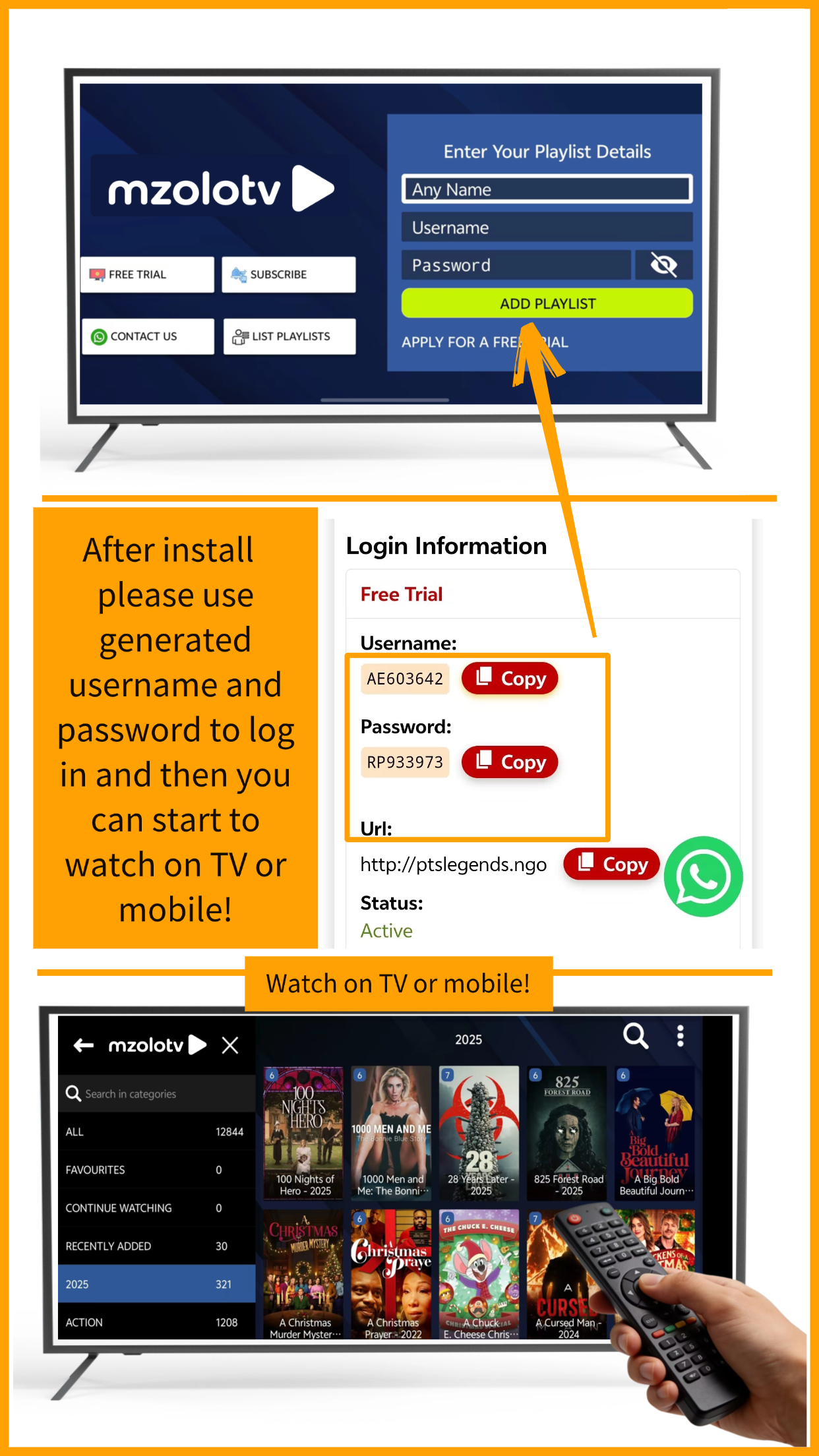
8. After install, use generated login to log in the app then start watching.
How to download and install the app?
(Click on your device)
- Google Play Store
- Android Smart TV
- Android Phones
- iPhone
No matter what device you are using, as long as you can access Google Play Store, you can download it directly from Google Play Store.
-
- 1 Click here to download ‘Lumo Player’ in Google Play Store.
- 2 At the top of this webpage, enter email etc and get your free trial username, password, enter in app and start watching.
-
- 1 If your TV can access Google Play Store, please click here to download and install 'LumoPlayer' and directly login with username and password.If not, to watch on your Android TV Box or Smart TV (Xiaomi, Samsung, Amazon, Roku, TCL, etc), you'll need to enable 'developer mode' first due to some devices don't allow unknown app install(FireTV Stick as sample).
- 2 Go to settings → click 'my xx tv' (or similar menu in other brand TV).
- 3 Tap 'About' → tap your device name 7 times
- 4 Now 'developer mode enabled'.
- 5 Open a browser (sometimes called 'internet') and enter 'mzolotv.com and download our app' then install it.
- 6 Or, you can also download apk to your cell phone then send it to your smart TV, see below tutorial video.
- 7 Claim and get your free trial username and password and enter to app, then enjoy your free trial.
How to send apk file from your cell to android TV
To install on Android TV (Xiaomi TV as example)
- 8 If the previous method doesn't work on your Amazon/Android TV device, try this alternative approach: first, install "Downloader by AFTVNews" from your device's app store. Open the app and enter code: 1939749, the download of our app will begin automatically. Alternatively, you can directly visit http://aftv.news/1939749 in any browser to access the installation page. Don't forget to enable ‘developer mode’, and allow ‘Install Unknown Apps’ in your device settings.
- 1 Download our APP APK to your mobile phone by clicking following button.
- 2 During installation, allow your cell phone to install unknown app.
- 3 After installation, claim free trial and get username and password, enter your username, password to app.
Please watch the video below to understand how to install it:
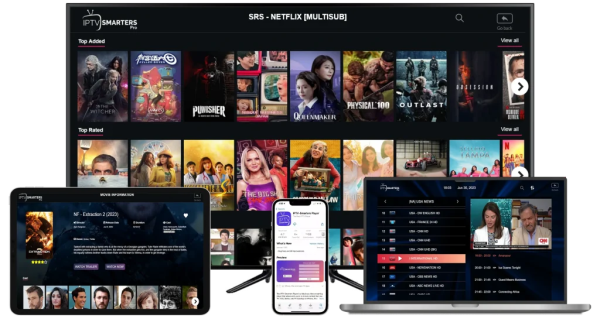
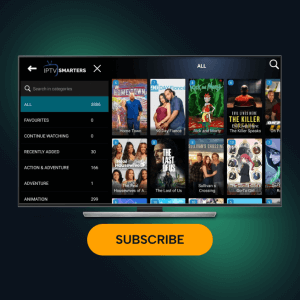
- 1 Our APP is not listed in Apple AppStore so We recommend using 'IPTV Smarters Lite' to play our content, which is free and easy to use.
- 2 You can directly search for “IPTV Smarters Lite” in the App Store and download it.
- 3 Claim and get your free trial username, password and URL, enter and start watching. See below instruction video.